|
|
||
|---|---|---|
| _includes | ||
| _layouts | ||
| _posts | ||
| _sass | ||
| css | ||
| img | ||
| js | ||
| .gitignore | ||
| _config.yml | ||
| about.md | ||
| CHANGELOG.md | ||
| CONTRIBUTING.md | ||
| feed.xml | ||
| History.md | ||
| index.html | ||
| jekyll-mdl-screen.png | ||
| LICENSE | ||
| README.md | ||


jekyll-mdl
A Jekyll theme based in Google Material Design Lite library.
Demo
You can see the online demo here www.gdgmanagua.org/jekyll-mdl
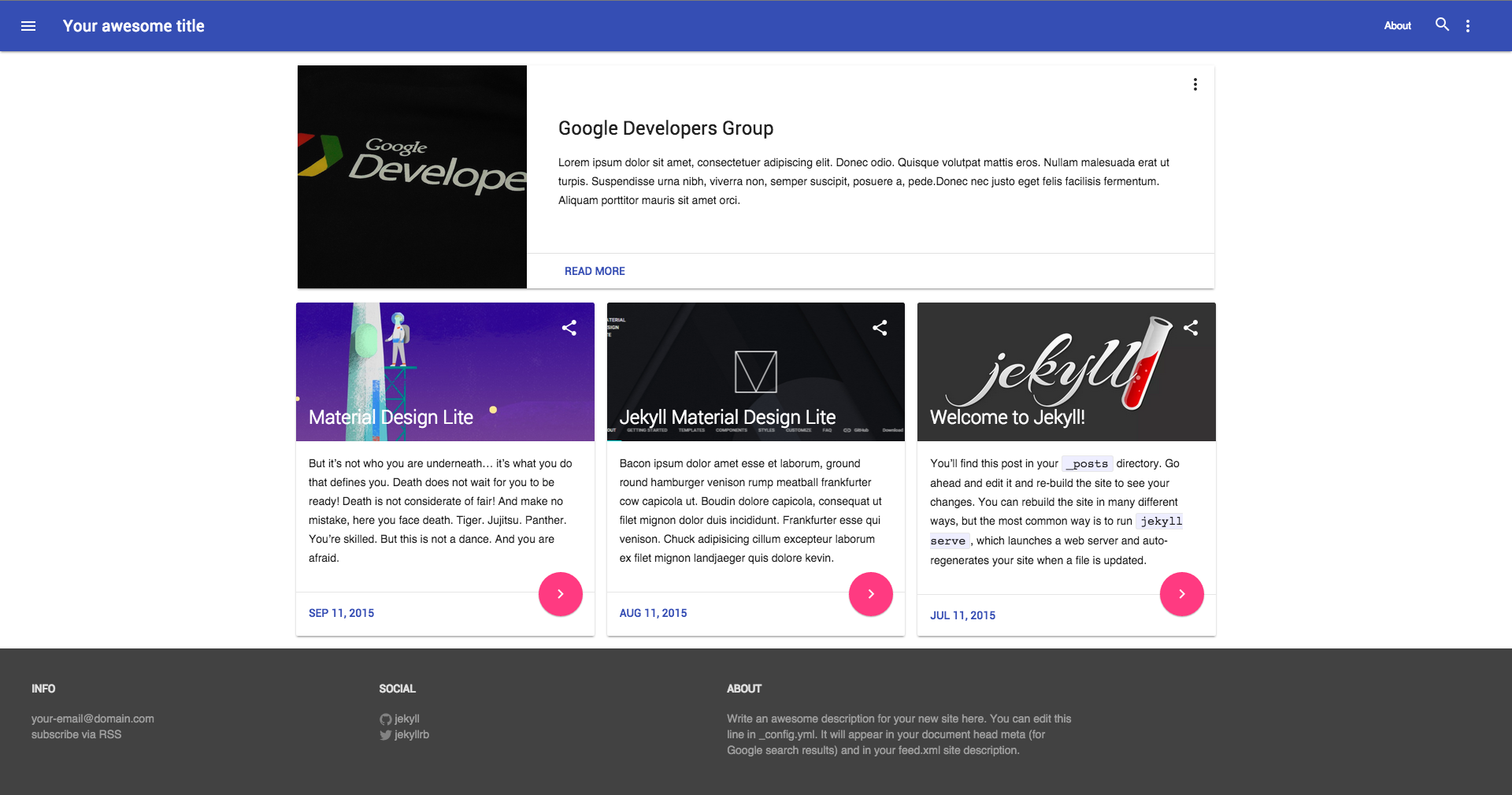
Sites using jekyll-mdl
If you are using this cool jekyll theme, please open an issue or fork the project, add your site to the list and send us a pull request, we will be happy to know where the theme has been used.
Custom Themes
If you don't want the default site colors, you can create custom themes for the site in the mdl theme creator. The site will create a custom css, something like this:
<link rel="stylesheet" href="https://storage.googleapis.com/code.getmdl.io/1.0.0/material.teal-green.min.css" />
Now add this in the _includes/head.html file, under the main css and enjoy your new theme.
Post Options
All the post, require an image and maybe an author, the image are used in the cards and the autor used for the footer in the cards. For use the images and author, just add a new key in the post config, something like this:
---
layout: post
title:  "Welcome to jekyll-mdl"
date:   2015-07-11 11:34:20
categories: jekyll
image: http://www.wchs4pets.org/wp-content/uploads/2015/03/cat_1-jpg.jpg
author: Google Developers Group Managua
---
Layout Configuration
You can setup 4 types of layout
- Fixed Nav + Simple Card Grid
- Fixed Nav + Highlight Post + Card Grid
- Drawer Nav + Simple Card Grid
- Drawer Nav + Highlight Post + Card Grid
For use this in the _config.yml select the type of layout, rebuild the website and voilà 😄
Contributing
If you want to contribute to this project, please read the CONTRIBUTING file and perform the following steps
# Fork this repository
# Clone your fork
jekyll serve --watch

git checkout -b feature_branch
# Implement your feature and tests
git add . && git commit
git push -u origin feature_branch
# Send a pull request for your feature branch
Team
 |
 |
|---|---|
| Oscar Cortez | Byron Corrales |
| Project Lead | Contributor |
License
Licensed under the Apache 2.0 license.
See the LICENSE file for more details.
Copyright © 2015 Google Developers Group Managua.
